
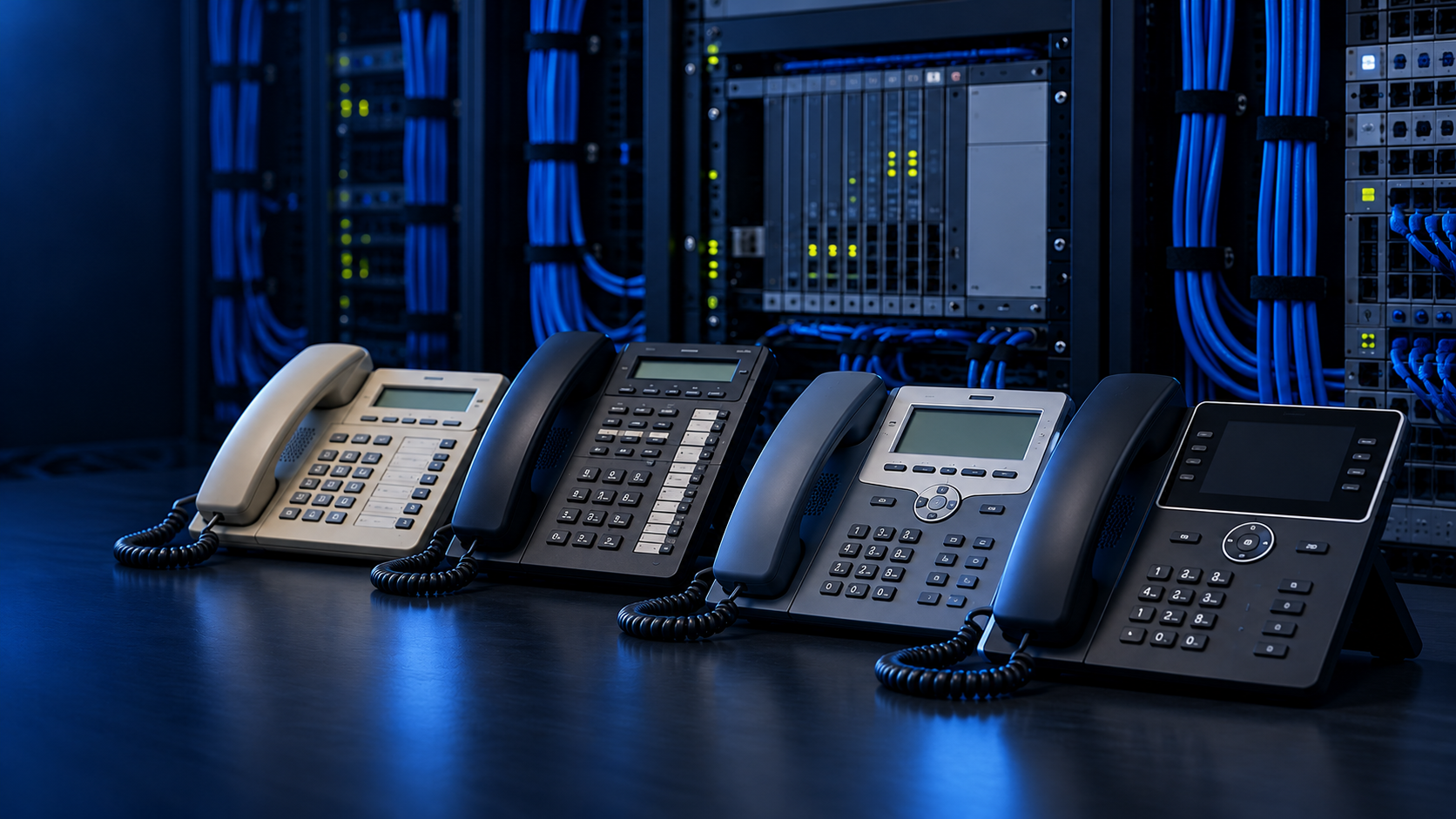
Nortel and legacy business phone-system modernization
Upgrade Your Legacy Phone System
Without Replacing Everything at Once
Keep compatible phones, cabling, and familiar workflows while replacing the aging system behind them. Double Eagle helps organizations stabilize or migrate legacy environments on a practical schedule.







Is your phone system failing now?
Double Eagle does not offer emergency repair service. If you are planning a replacement or managed migration, call to discuss the system, the symptoms, and the business requirements.
Planning ahead?
A needs and equipment review can identify which assets may remain in use, what introduces risk, and which migration path best fits the organization.
Protect the parts of your investment
that still work
Keep compatible phones
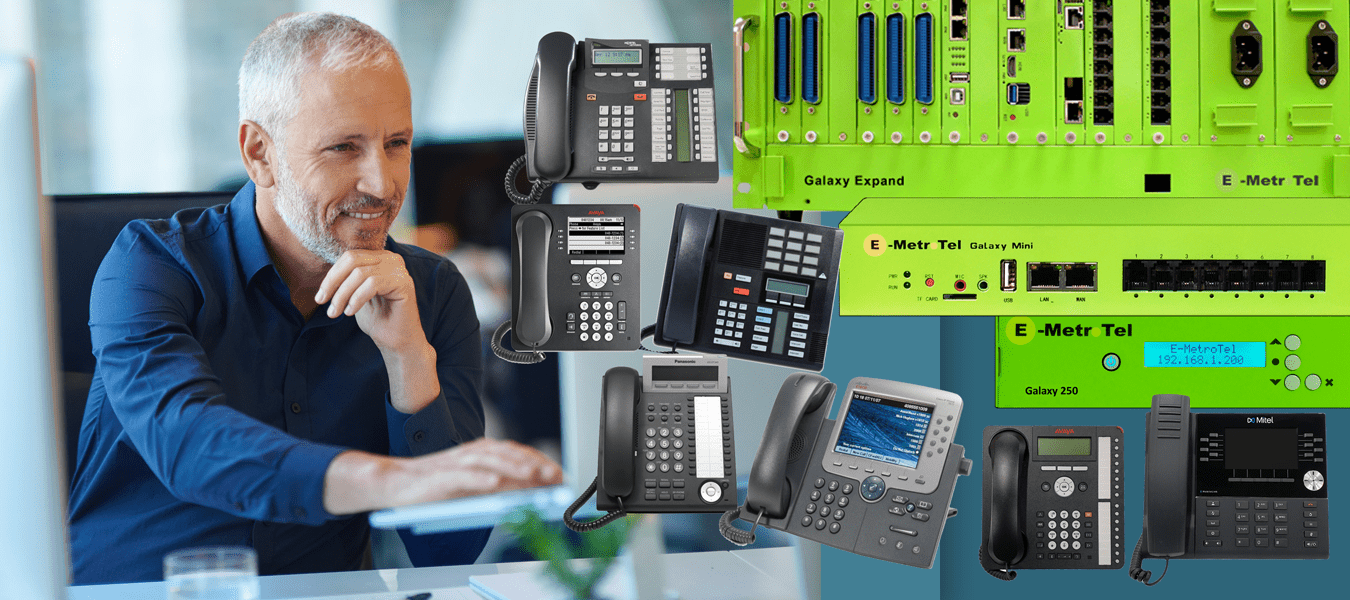
Many supported digital and IP phones can continue working with an E-MetroTel UCX system, reducing unnecessary replacement and user retraining.
Reuse Cabling
Existing voice cabling may remain useful when it is compatible, serviceable, and appropriate for the selected migration path.
Familiar Workflows
Supported phones can retain familiar buttons, displays, and calling features while the system core is modernized.
Compatibility varies by model, cards, software, cabling, and configuration. Double Eagle confirms the practical reuse plan during assessment.
Choose the right level of change
Stabilize and plan
Document the current environment, identify single points of failure, and prepare a controlled modernization plan.
Replace System Core
Move call processing to an E-MetroTel Galaxy appliance or UCX Cloud while retaining compatible endpoints and cabling.
Phased Upgrades
Mix supported analog, digital, and IP devices, then add modern phones or applications according to need and budget.
Supported migration paths
E-MetroTel publishes investment-protection paths for selected NEC, Avaya, Nortel, and Panasonic systems. Its broader Green Migration portfolio also includes Mitel, Cisco, Toshiba, and ShoreTel solutions.
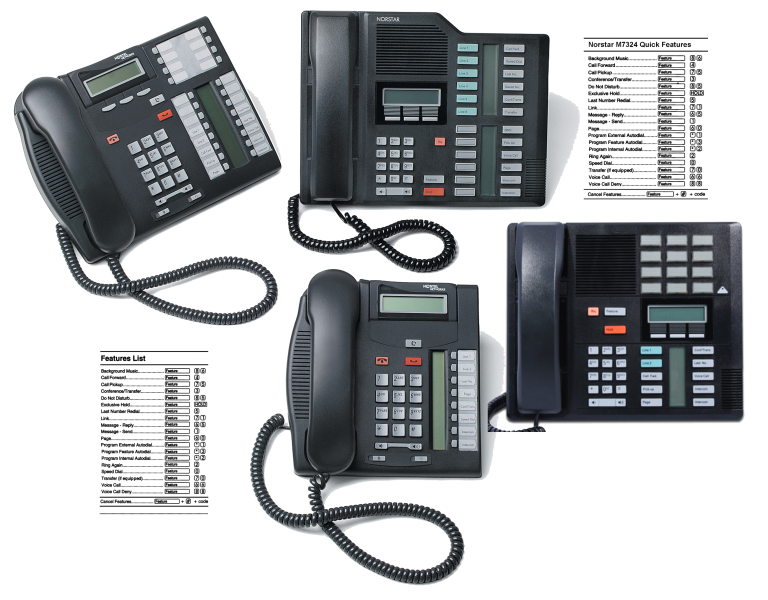
- Nortel M2000, M3000, T7000, and IP2000 phone series
- Panasonic NS700 and NS1000 systems; KX-DT, KX-NT, and KX-T devices
- Supported Avaya digital and IP phones through UCX software and applicable interface hardware
- Selected NEC digital and IP phones in cloud or on-premise deployments
How the migration works
Review
Discuss business needs and inventory the system, phones, cabling, numbers, applications, and locations.
Confirm
Verify compatibility and decide what can stay, what should change, and which risks need attention.
Plan
Define the platform, stages, call routing, user preparation, and service transition.
Migrate
Replace or move the system core, test the environment, and add new equipment where it creates value.
First consultation: We discuss your needs and provide guidance on the optimal solution for your organization.
E-MetroTel Galaxy appliance options
The right appliance depends on users, concurrent calls, phone types, locations, recording, integrations, and redundancy requirements.
Galaxy Mini
An entry-level appliance for smaller organizations. Published configurations support mixes of IP, digital, and analog phones, voicemail, auto attendant, and shared line appearances.
Galaxy 250
An on-premise platform for mid-sized organizations, with support for mixed endpoint types, voicemail, call recording, SIP trunks, and work-from-anywhere capabilities.
Galaxy Expand
A modular platform for larger environments and expansion requirements. It can operate as a call-processing appliance or as a gateway for device and slot expansion.
Nortel telephone
user guides
These reference documents remain available for organizations using Nortel handsets. They are support resources, separate from a migration assessment.
Related phone-system paths
Planning a new VoIP system?
Reviewing phone service costs?
Explore VoIP dial tone, SIP connectivity, and a phone-bill review.
Plan a legacy phone-system upgrade
Tell us what system and phones you use today, what is changing, and how many users or locations are involved. We will discuss your needs and guide you toward the optimal solution.